
Winter Mode was a whole-world switch
Winter Mode predates the biome system most players now treat as basic Minecraft vocabulary. Minecraft Wiki's removed-features history records it as an Alpha v1.0.4 map type from July 2010. Instead of placing cold, warm, wet, and dry regions across one world, the game could create a snowy world as a single global state. Snow fell constantly, exposed water often froze into ice, snow accumulated on sky-exposed blocks, and passive mob spawning behaved differently.
That made Winter Mode atmospheric, but blunt. A winter world was not a tundra next to a forest next to a desert. It was a map-level mood. A player explanation on r/Minecraft, based on old server decompilation work, describes the selection as a one-in-four chance at world creation, saved with the world. Whether every technical detail in old code archaeology is interesting to you or not, the multiplayer consequence is easy to understand: two worlds could feel dramatically different before anyone chopped a tree.
For vanilla Minecraft servers, that distinction matters because "winter world" can mean several different things. It might mean an authentic old Alpha map, a modern seed with snowy biomes near spawn, a single-biome or datapack experiment, a plugin-driven seasonal server, or just a snow-themed spawn build. Those are not interchangeable promises.
Biomes turned mood into geography
Alpha v1.2.0, the Halloween Update released on October 30, 2010, moved Minecraft toward the recognizable biome idea. The Minecraft Wiki page for that release lists a new terrain generator featuring biomes, with early examples such as deserts and tundras. The Snowy Plains history table captures the hinge clearly: Winter Mode appeared first, then Alpha v1.2.0 added biomes including tundras and frozen deserts.
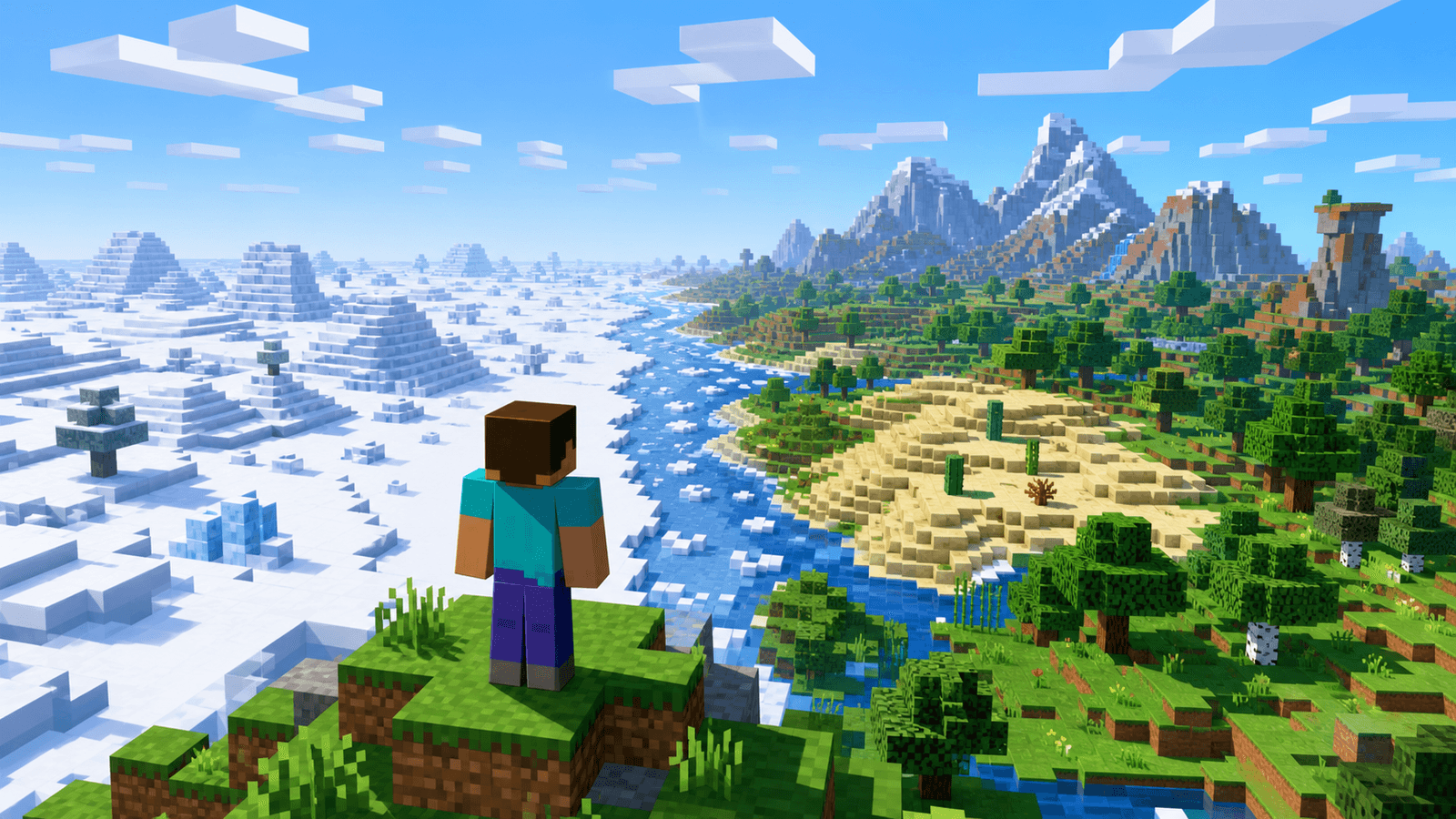
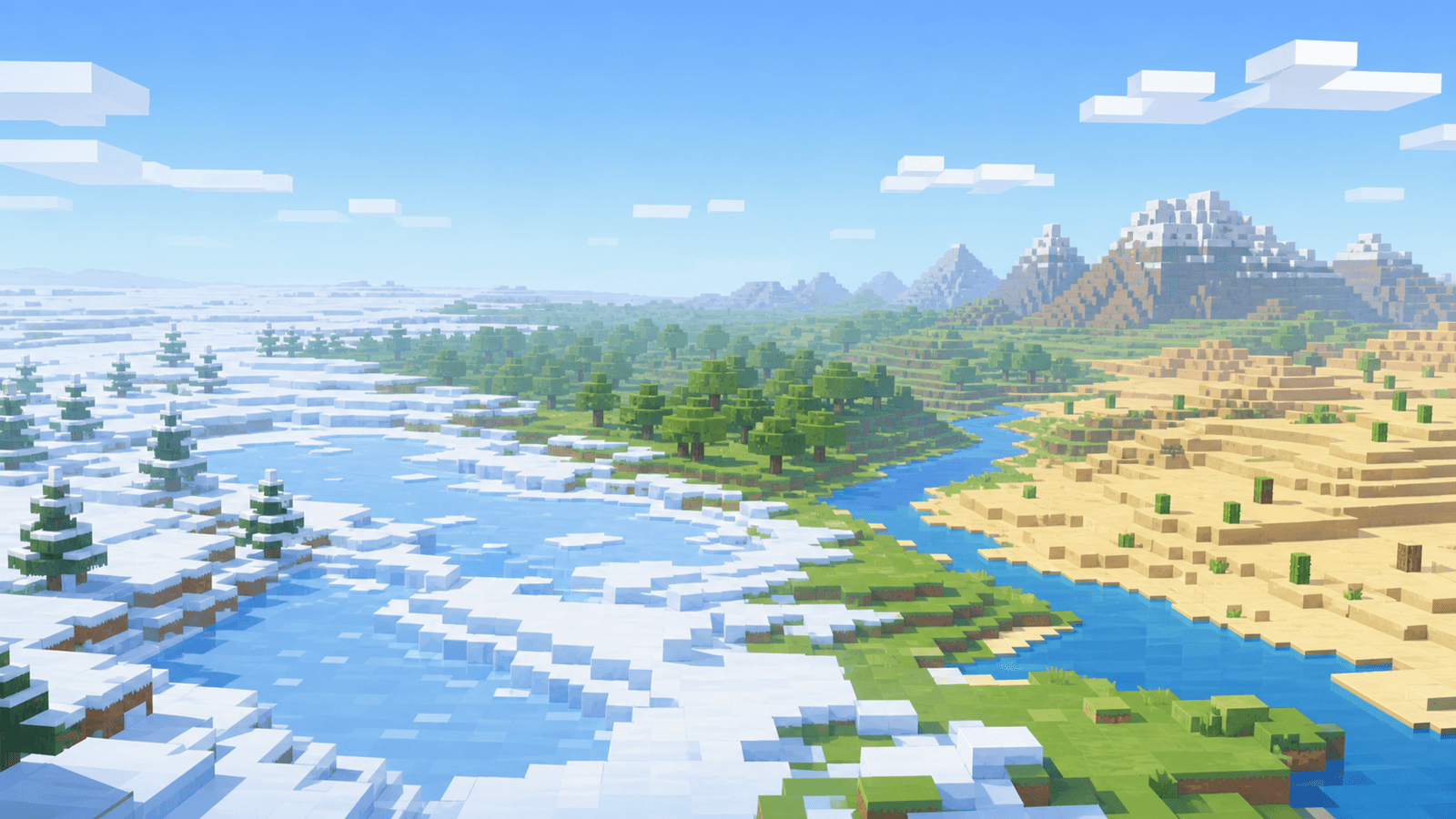
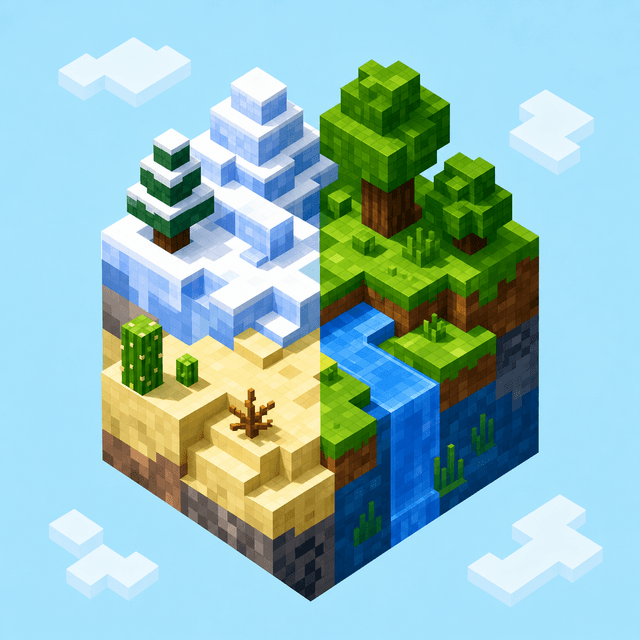
That change was bigger than adding more scenery. Biomes let one world hold multiple environmental identities. Snow could become a place you traveled to, not simply a world you rolled into. Desert sand, cacti, frozen water, sparse trees, grass color, animal expectations, and travel planning could begin to vary by region. For multiplayer, that created a different kind of map literacy: players could choose where to settle, what resources were nearby, and how far a group needed to travel for a contrasting environment.
The later history is not a straight line. Beta 1.8 overhauled older biome behavior, full release versions renamed and restored snowy concepts, and modern Minecraft has continued changing how terrain and biome placement interact. By 1.18, Caves & Cliffs: Part II changed Overworld generation again with taller mountains, deeper caves, new mountain and cave biomes, and terrain rules that were no longer simply controlled by old height-variant biome labels.
Old generation claims need version context
Community discussions around old worlds show why this gets messy fast. In one r/GoldenAgeMinecraft experiment, a player generated Alpha v1.2 terrain with deserts, savanna-like areas, and snowy terrain, then loaded it in Alpha v1.1.2_01. The older version could display many familiar blocks, but newer generated blocks such as pumpkins created crash risk. That is a small example with a large server-selection lesson: version history is not just a theme. It affects stability, block availability, and what a preserved chunk actually means.
Server listings often compress that complexity into phrases like "classic terrain," "old world," "winter survival," or "vanilla generation." Those phrases can be honest, but they need support. Was the world generated in an old jar and carried forward? Was only spawn preserved? Are new chunks current? Did the owner pregenerate terrain in one version, then update the server? Are chunks trimmed, merged, or recreated through tools?
That same caution applies when comparing vanilla Minecraft servers on the homepage server list. A server can be excellent without old terrain. It can also run a careful historical map. The red flag is vague nostalgia that never turns into practical details about version, reset policy, biome access, or custom generation.
Modern snow worlds are usually custom choices
Players still ask for Winter Mode-like experiences, but modern vanilla does not usually express that as a random global map type. A r/Minecraft help thread about making a vanilla, no-mods Realm with only snowy and cold biomes shows the modern desire clearly: people want a cohesive winter setting while keeping normal structures and ordinary survival. Suggestions moved toward world-creation modes and generation options rather than old Alpha behavior.
That is where server language needs to be precise. A current server with all-snow terrain may be using a specific seed area, a single-biome setup, a datapack, a plugin, imported terrain, or manual world design. None of those are automatically bad. Some make strong seasonal events. Some create clear survival constraints. Some are better labeled semi-vanilla than strict vanilla.
The 1.18 generation discussions add another layer. Players noticed that terrain shape and biome placement no longer worked like older height-by-biome assumptions. Single-biome worlds, rare biome hunting, and seed maps could feel different because the underlying terrain system had changed. For server owners, that means world-generation claims should be tied to the actual Minecraft version, not an old memory of how biomes used to behave.
Better questions for server selection
When a server advertises winter terrain, old biomes, or preserved generation, focus on what the claim changes for play. Does every player start in a harsh cold region? Are warm biomes reachable without warps? Is the End or Nether affected? Are farms, villages, passive mobs, and travel routes ordinary vanilla? Does the map reset, expand, or generate new terrain with modern rules?
Those questions are more useful than asking whether a server "has Winter Mode." True Winter Mode belongs to a narrow Alpha history. Biomes turned that all-or-nothing snow state into geography, and later updates kept changing what geography means.
The best vanilla Minecraft servers make that clear before you join. They tell players whether the map is current, preserved, imported, seasonal, or custom. They explain how world borders and new chunks work. They do not rely on a nostalgic screenshot to carry the whole promise. For more examples of how old generation history affects server claims, the Minecraft history archive is a good next stop before you commit hours to a new world.